Unified Public Cloud Explorer
Your Cloud Storage. Reimagined.
Turn your Google Drive and MEGA folders into beautiful, browsable file libraries. Just paste a public link and explore.
Interactive Product Preview
An editorial masonry gallery for every public folder
Illustrative sample layout · Paste a real link above to browse live files

Pavilion_Exterior_04.jpg
JPG Photo · 4.8 MB

Alpine_Reel_Master_4K.mp4
MP4 Video · 148.6 MB
RAW Photography
18 items
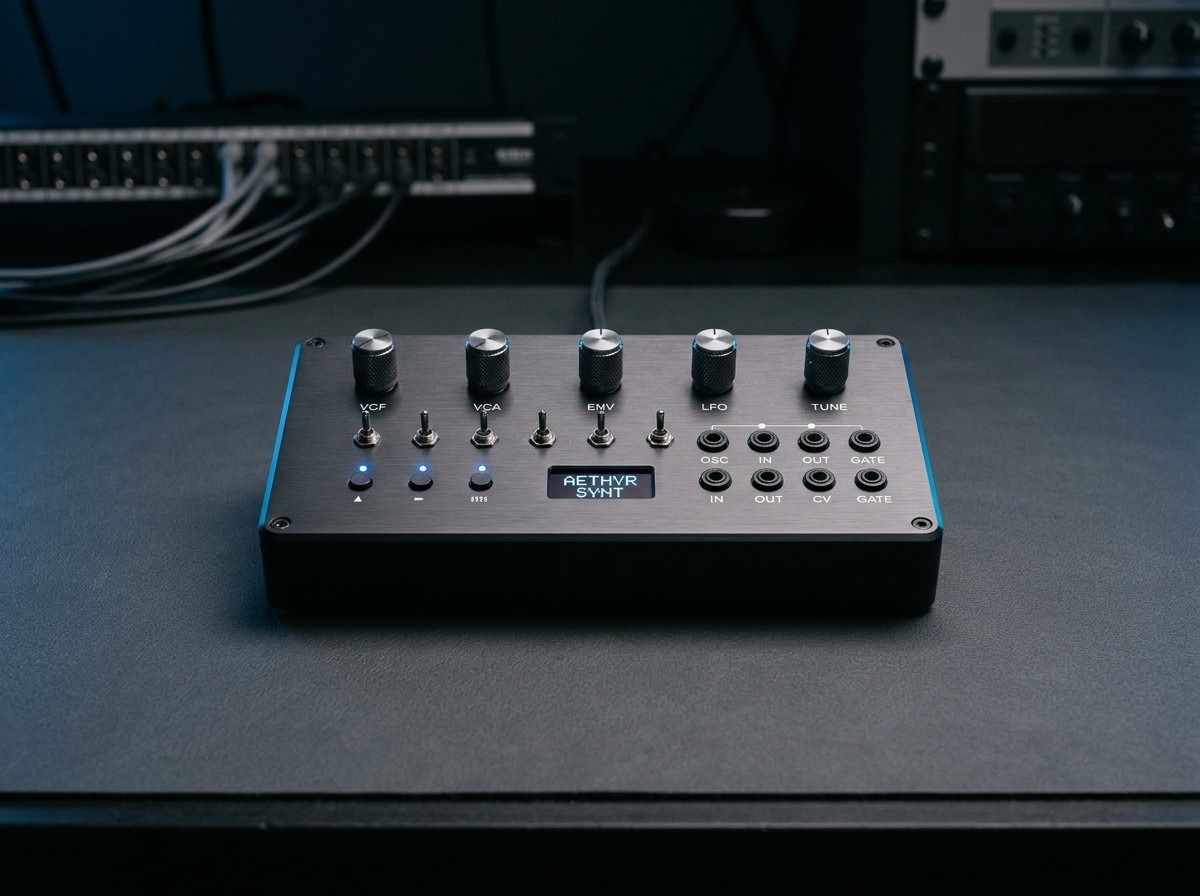
Synth_Hardware_Studio.jpg
JPG Photo · 3.2 MB
Q4_Product_Specification.pdf
PDF Document · 6.4 MB
Ambient_Score_Stem.wav
WAV Audio · 42.1 MB
Why Folzo exists
Your files deserve a better way to be explored.
Public cloud storage links are often frustrating to browse—especially when a shared folder holds hundreds of photos, videos, PDFs, and nested directories. Visitors end up downloading files blindly or fighting cluttered provider interfaces just to find a single asset.
Folzo transforms publicly shared Google Drive and MEGA folders into a clean, unified file library designed for rapid discovery.
No more messy folder browsing.
Skip cramped table views and endless tab switching. Navigate hundreds of shared images, documents, and directories inside one structured workspace.
Preview files without downloading them whenever supported.
Inspect images, stream videos, read PDFs, listen to audio, and view text files directly in your browser before deciding what to download.
One beautiful interface for multiple cloud providers.
Whether a folder lives on Google Drive or MEGA, browse it with consistent breadcrumbs, search, sorting, and layout controls.
Capabilities
Everything you need to explore a cloud folder.
Instant Folder Rendering
Paste a supported public link, validate accessibility in seconds, and browse its contents immediately.
Beautiful File Previews
Preview images, videos, PDFs, audio tracks, and supported documents right inside an integrated lightbox.
Smart File Organization
Filter by file category, search instantaneously across names, and sort by name, size, date, or type.
Multiple View Modes
Switch effortlessly between a visual thumbnail grid and a dense, scannable list layout.
Nested Folder Navigation
Step into subfolders and retrace your path via interactive breadcrumbs without leaving the explorer.
Multi-Provider Support
Explore both publicly shared Google Drive folders and encrypted public MEGA folders in one place.
Quick File Access
Open original provider links or download individual files directly whenever provider permissions allow.
Responsive Experience
Built to feel fast and ergonomic across desktop monitors, tablets, and mobile screens.
Workflow
Three steps. That's all.
Copy a public link.
Copy a publicly accessible Google Drive or MEGA folder link with viewing enabled for anyone with the link.
Paste and render.
Paste the link into the input field and click Render Files. The application validates accessibility and key integrity.
Explore everything.
Browse files, navigate nested subfolders, search, sort, and preview supported media in a unified interface.
Public links only. Clear permissions. No surprises.
Folzo operates strictly within the access boundaries set by the folder owner on Google Drive or MEGA. If a folder is private, missing, or missing its decryption key, we tell you clearly rather than failing silently.
Only publicly accessible folders are supported.
Private folders are never accessed, scraped with credentials, or bypassed.
Provider sharing permissions and domain restrictions are strictly respected.
Every URL is validated against the provider before rendering the explorer.
Inaccessible or missing folders never display placeholder or fabricated files.
File previews and downloads depend on provider permissions and browser-supported formats.
FAQ
Frequently asked questions
Ready to explore your files differently?
Paste a public cloud folder link and see the difference.